Close Menu
AdimorahBlogAdimorahBlog
  • Home
  • ABOUT US
  • CONTACT US
  • PRIVACY POLICY
  • XIAOMI
    • Xiaomi apps
      • POCO beta testers
    • Xiaomi News
    • Xiaomi Pad
    • Redmi
    • POCO
  • MIUI updates
    • MIUI 14
    • MIUI beta testers
    • MIUI launcher
  • Google
    • Google Camera
    • Pixel
    • Google chrome
  • Samsung
    • OneUI news
    • Samsung News
    • Samsung Galaxy Watch
  • Android
    • Android 13
    • Android 14
    • Android 15
    • Android Auto
  • Smartphone
    • Apple
    • Samsung
    • Pixel
    • XIAOMI
    • Redmi
    • POCO
    • OnePlus
    • Sony
    • Fairphone
    • OnePlus
  • How To
  • Gaming
    • Video gaming
Facebook X (Twitter) Instagram
AdimorahBlogAdimorahBlog
Subscribe
  • Home
  • ABOUT US
  • CONTACT US
  • PRIVACY POLICY
  • XIAOMI
    • Xiaomi apps
      • POCO beta testers
    • Xiaomi News
    • Xiaomi Pad
    • Redmi
    • POCO
  • MIUI updates
    • MIUI 14
    • MIUI beta testers
    • MIUI launcher
  • Google
    • Google Camera
    • Pixel
    • Google chrome
  • Samsung
    • OneUI news
    • Samsung News
    • Samsung Galaxy Watch
  • Android
    • Android 13
    • Android 14
    • Android 15
    • Android Auto
  • Smartphone
    • Apple
    • Samsung
    • Pixel
    • XIAOMI
    • Redmi
    • POCO
    • OnePlus
    • Sony
    • Fairphone
    • OnePlus
  • How To
  • Gaming
    • Video gaming
AdimorahBlogAdimorahBlog
Home | MIUI update | Xiaomi News | Google | How to translate a text in a photo using Google photos
Google

How to translate a text in a photo using Google photos

Adimorah JudeBy Adimorah JudeAugust 23, 2021No Comments2 Mins Read
Facebook Twitter Pinterest LinkedIn Tumblr Email
Google photos gets new filters
Share
Facebook Twitter LinkedIn Pinterest Email

Google, for many people, is just a search engine where they go to get answers to their queries. Of course, that is correct, but there’s more to the name Google. The giant tech company is also into phone production and marketing, and hence, has some interesting apps. Google camera app, known as Gcam, is one such app. It’s the most sought-after camera app by smartphone enthusiasts because of its detailed final output. You can decide to view these pictures using the Google Photos app that comes with most phones running global ROM. Interestingly, the app can do more than just housing your pictures. You can translate a text into a photo using Google photos.

Google lens

Yes, that is correct. With Google Photos, you can translate text in a photo to any language. All you need is the app on your phone and internet connectivity. Meanwhile, you can use this method offline, but you have to download Google lens. You can download the app from the Google Play store or follow this link. And without further ado, let’s see how to translate a text in a photo using Google photos.

advertisement

How to translate a text in a photo using Google photos

  • Step 1. Download the Google Photos app if you don’t have it
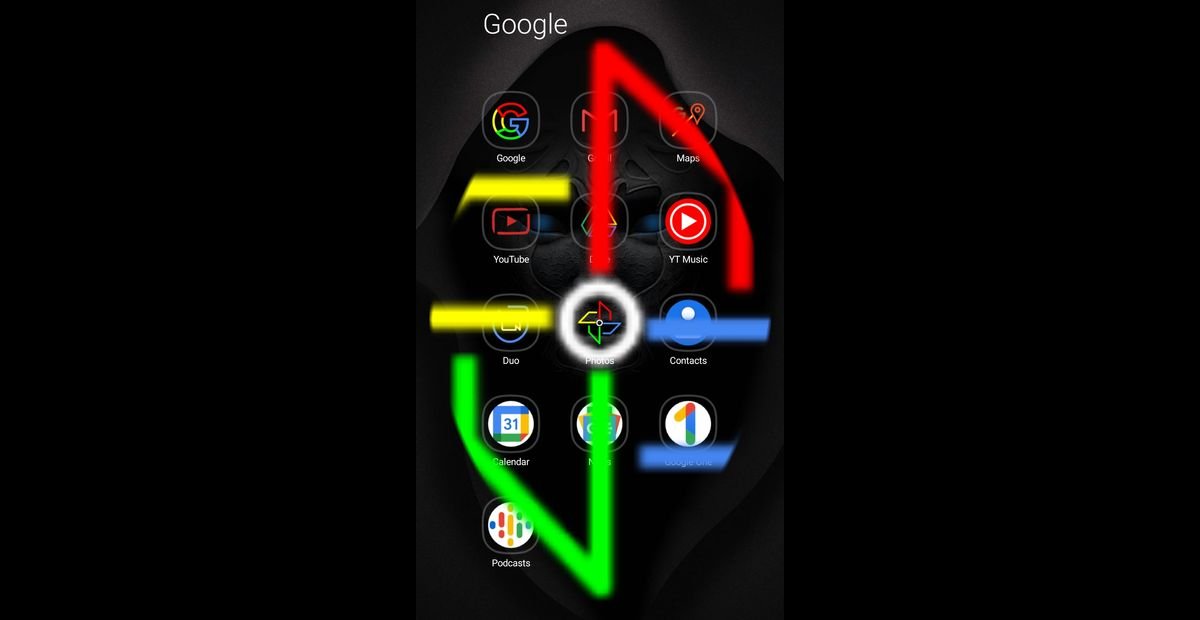
  • Step 2. Launch the app and select the photo you want to translate the text on
  • Step 3. Click on the lens and tap the three horizontal lines on the left side
Google photos translate button
  • Step 4. Click on the icon next to ‘X’ to translate the text
  • Step 5. Look at the top of the translated image, and you will see ‘Chinese → English’ depending on your default language
  • Step 6. Tap on it to select your preferred language
  • Step 7. Click on share or download if you want to save the translated photo
  • Step 8. That’s all on how to translate a text in a photo using Google photos.

Google Photos
Share. Facebook Twitter Pinterest LinkedIn Tumblr Email
Adimorah Jude
  • Website
  • Facebook
  • X (Twitter)

I'm a passionate tech blogger.

Related Posts

Android Auto 14.7 beta update hints at a new feature

June 30, 2025

A new update starts rolling out for Pixel users

June 25, 2025

Android Auto 14.6 update is now available for download

June 16, 2025
Add A Comment
Leave A Reply

Recent Posts
  • How to Use a Free Online Image Converter Easily
  • Xiaomi starts rolling out stable Android 16 based on HyperOS 2
  • Galaxy A36 Android 16-based One UI 8 build spotted
  • Galaxy A15 One UI 8 build spotted on Samsung servers
  • Xiaomi 13T HyperOS 2.2 is now available for download
About Us
AdimorahBlog was founded in 2017 and has grown into a global brand in the past years. As we continue to expand, we will keep providing our readers with the best coverage on Xiaomi HyperOS updates and smartphone latest Android OS updates. We strive to become the update hub for all smartphones. Contact Us: info@adimorahblog.com
AdimorahBlog
Facebook X (Twitter) YouTube Telegram
  • Home
  • CONTACT US
  • ABOUT US
  • PRIVACY POLICY
© 2026 AdimorahBlog. Designed by ThemeSphere.

Type above and press Enter to search. Press Esc to cancel.